


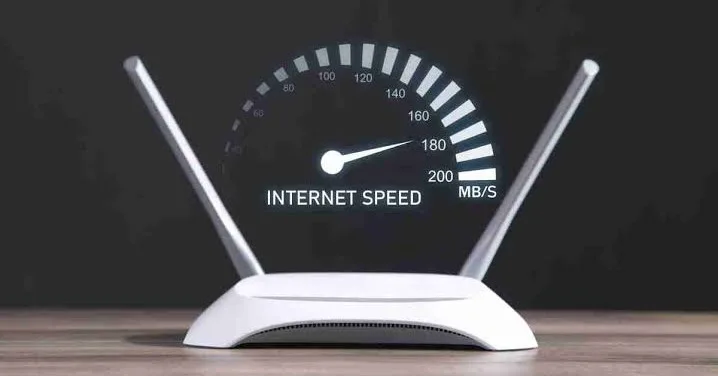
Many people face the frustrating problem of a slow Wi-Fi connection while using the internet at home. Whether you are doing office work online, participating in a video call, or streaming movies, a sluggish internet connection is always highly annoying. Today, almost everything from televisions, laptops, and mobile phones to smart speakers relies heavily on the home Wi-Fi network. Naturally, having multiple devices connected to the same network can easily affect the overall internet speed. However, by following a few simple tricks, it is highly possible to boost your Wi-Fi speed right from home.
Here are 5 effective ways to increase your Wi-Fi speed:
1. Optimize Router Placement
Your Wi-Fi speed largely depends on exactly where the router is placed. Experts suggest keeping the router in an open, central area of the house so the signal can easily reach every corner. You should always avoid placing the router behind walls or large furniture, and keep it safely away from electronic appliances like microwave ovens.
2. Switch to a Faster Band
Most modern routers offer dual-band options: 2.4 GHz and 5 GHz. For faster internet speeds, online gaming, and high-quality video calls, the 5 GHz band is highly recommended. On the other hand, the 2.4 GHz band is much more effective for devices located further away from the router, as its signal can travel longer distances.
3. Reboot Your Router
If your internet speed suddenly drops, simply turn off the router and turn it back on after a few minutes. Restarting the router occasionally clears out temporary technical glitches and helps restore the normal connection speed. Doing this every few days can also help resolve issues caused by prolonged usage.
4. Disconnect Unnecessary Devices
Sometimes, more devices are connected to the Wi-Fi network than actually needed, which puts unnecessary pressure on your bandwidth. Log into your router's app or settings to check the list of connected devices and immediately disconnect the ones that are not currently in use.
5. Upgrade Your Old Router
If you have been using the same router for many years, its overall performance may have naturally degraded over time. In such cases, upgrading to a modern, advanced router can significantly improve your internet speed and connection quality. However, before purchasing a new one, make sure to consider your current internet plan's capacity and your specific daily needs.
If your internet speed does not return to normal even after taking all these steps, you should contact your Internet Service Provider (ISP). Ask them to thoroughly check if there are any weak network signals in your home or if there are any other underlying connectivity issues.






Comments
No comments yet. Be the first to write one.
Leave a comment